Video
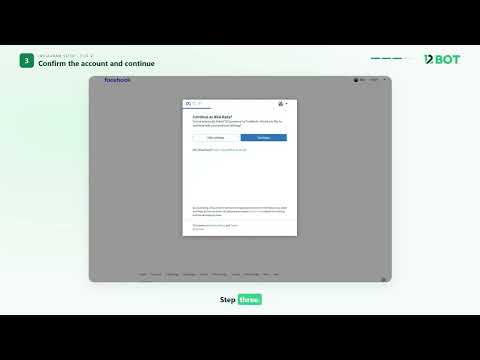
How to connect your Instagram account to 12Bot in 4 simple steps
Connect your Instagram account so you can manage it in 12Bot.
Resources
Learn 12BOT step by step with short training videos.
Watch how to connect WhatsApp, Instagram and Facebook, build automation flows, send WhatsApp campaigns, manage leads and reply to customers from one shared inbox.
Step-by-step training videos to get the most out of 12BOT.
Connect your Instagram account so you can manage it in 12Bot.
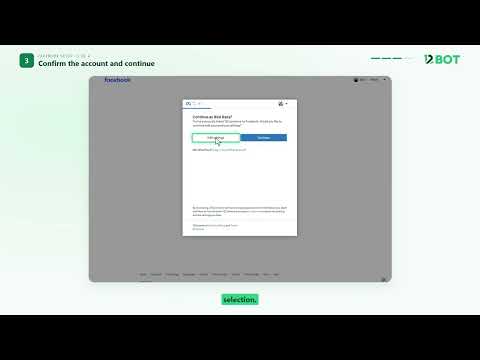
Connect your Facebook Page and manage its messages in 12Bot.
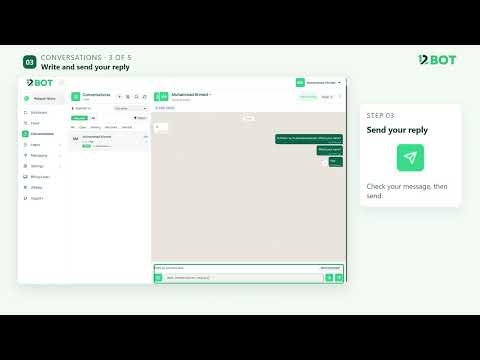
Reply to customers from one inbox, with their details, assignment, and tags in one place.
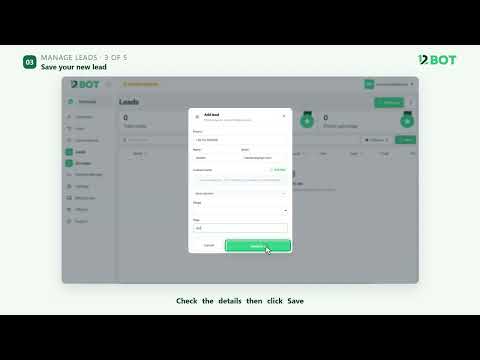
Add a lead with phone, name, and email, then view or edit the full details.
Launch a ready-made WhatsApp flow, preview it, and set it live.
Send an approved WhatsApp template to a list now, or schedule it for later.
Create a WhatsApp message template and submit it for Meta approval.
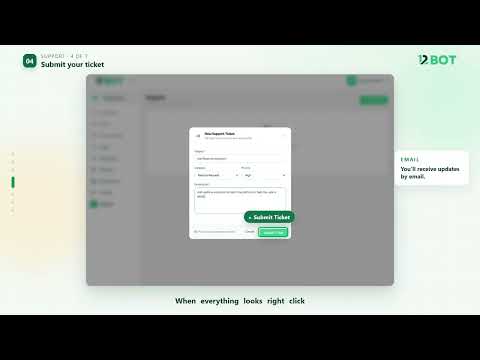
Create a support ticket and chat with the 12Bot team.
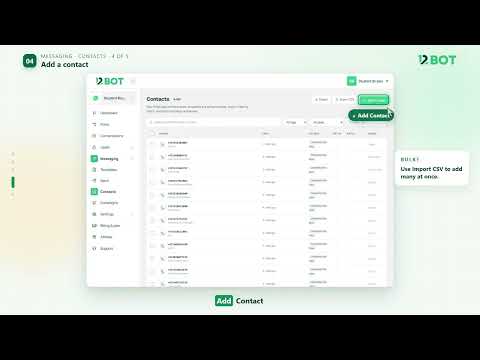
Keep every contact in one place: view, filter and add contacts.
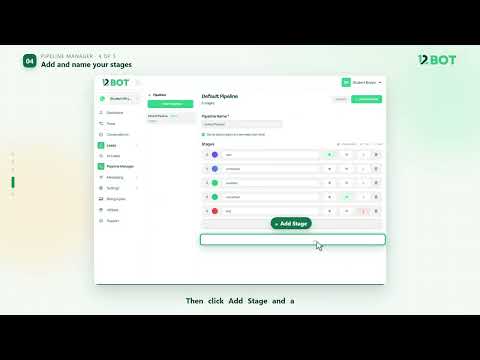
Build a pipeline with your own stages and move every lead through it.
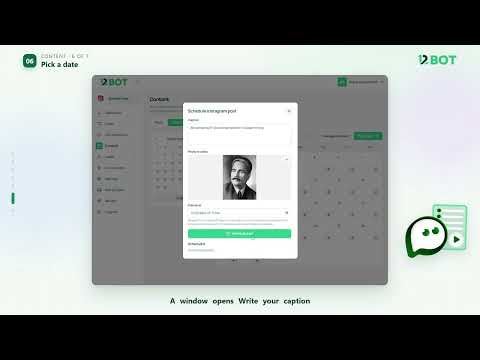
Plan your Instagram posts and reply to comments, all in one place.
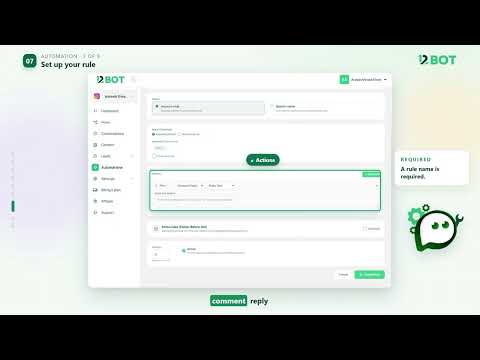
Build an automation so Instagram and Facebook reply for you.