WhatsApp Broadcast Campaigns: Best Practices
How to run WhatsApp broadcast campaigns that get read and replied to, not ignored or flagged.
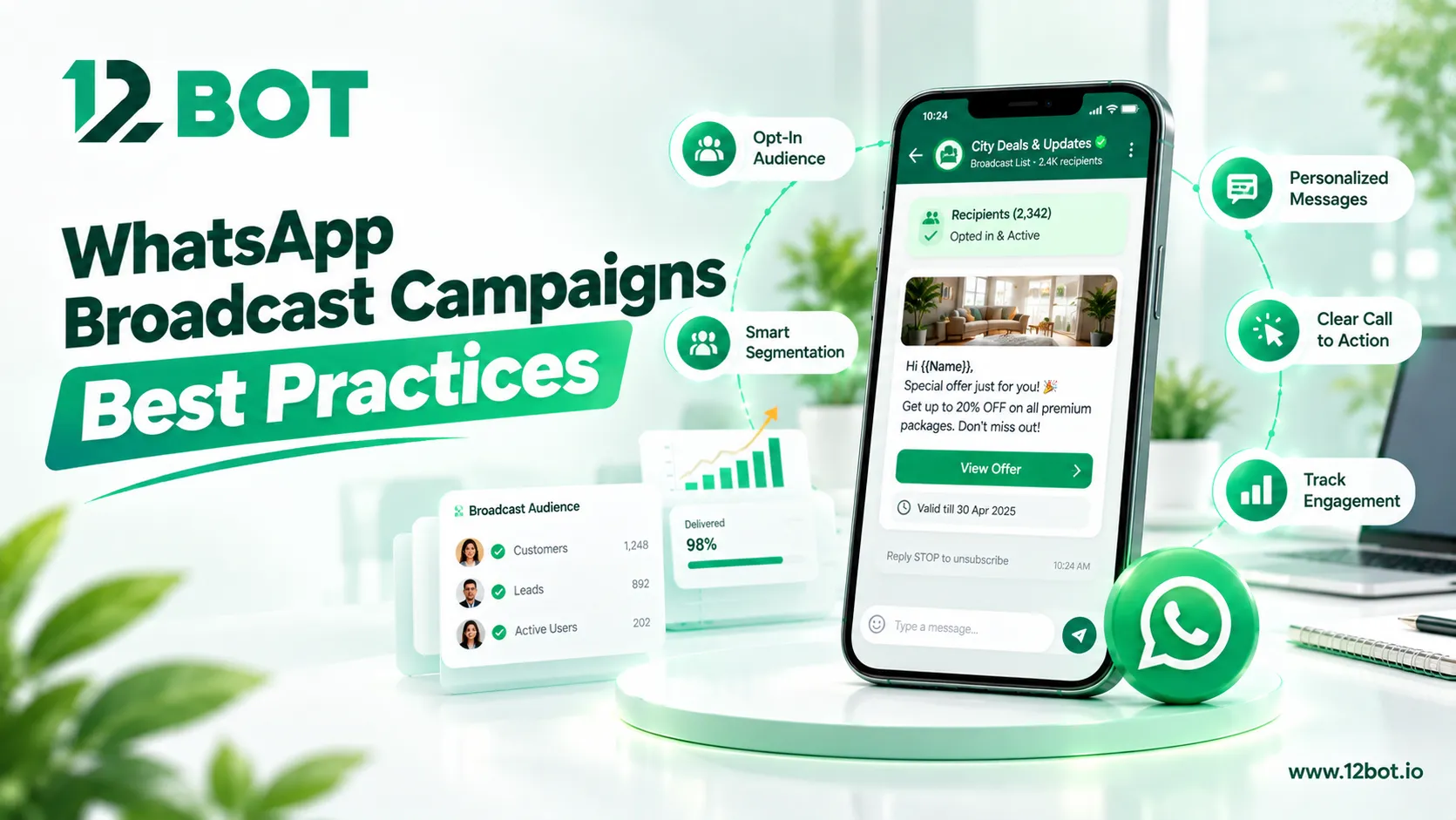
A WhatsApp broadcast can reach hundreds of customers in one click — but sent carelessly, it can also get a number flagged or ignored entirely. Here's how to run them well.
What broadcasts are actually good for
12Bot's broadcast campaigns can send fee reminders, order updates, or promotions to hundreds of contacts in one click — the kind of message that needs to reach everyone at once, not a one-on-one conversation.
Segmenting before sending
- Don't send the same broadcast to every contact regardless of their stage — a first-time customer and a repeat one need different messages.
- Group contacts by relevant criteria (industry, past purchase, appointment status) so the message content actually applies to them.
- Keep list hygiene current — an outdated contact list wastes sends and drags down engagement numbers.
Measuring performance, not just sends
Campaign performance analytics show whether a broadcast is actually landing — delivery rate, read rate, and reply rate tell a very different story than "we sent 500 messages," and that difference is what should drive the next campaign's approach.
Timing and frequency
A broadcast sent too often trains customers to ignore the channel entirely. Reserving broadcasts for genuinely useful updates — a fee due date, a restock, a confirmed appointment — keeps the channel valuable instead of turning it into noise.