Visual Flow Builder: No-Code Automation Explained
How 12Bot's drag-and-drop flow builder lets teams build and adjust conversation automation without writing code.
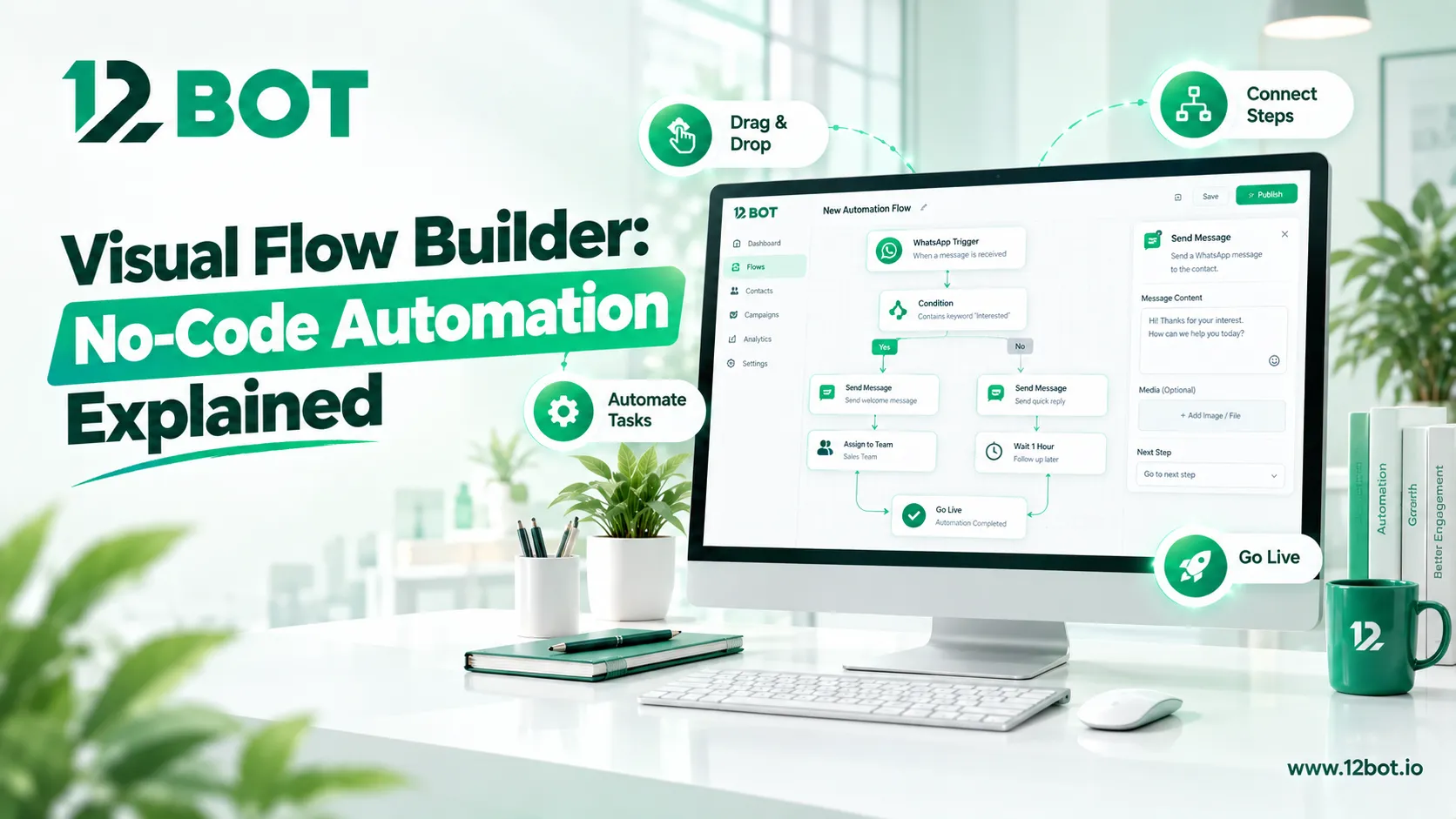
Most automated conversation flows fail before launch because they require a developer to build them. Here's how a visual, no-code flow builder removes that bottleneck.
Why no-code matters for conversation automation
A support or sales team knows exactly what questions customers ask and how the conversation should branch — but they usually can't write the code to build that logic themselves, which means every change has to wait on a developer's time.
What the drag-and-drop builder actually replaces
12Bot's flow builder lets teams build automated conversation flows with drag and drop, no code needed — turning a whiteboard sketch of "if the customer asks X, respond with Y, then ask Z" directly into a live flow without writing a single line of code.
Where flows are used across the business
- Answering FAQs consistently without repeating the same typed answer for the hundredth time.
- Qualifying a lead step by step before it reaches a sales rep.
- Routing a conversation to the right department based on the customer's own answers.
Iterating without waiting on engineering
Because the flow lives in a visual builder rather than in code, a team can test a new branch, watch how customers respond to it, and adjust the flow the same day — instead of filing a ticket and waiting for the next development cycle.