Keep Your WhatsApp Business App and Get the API Too: Coexistence With 12Bot
Connect the WhatsApp Business App number you already use to 12Bot. Keep replying from your phone while 12Bot adds a shared inbox, CRM, ad source tracking and automation.
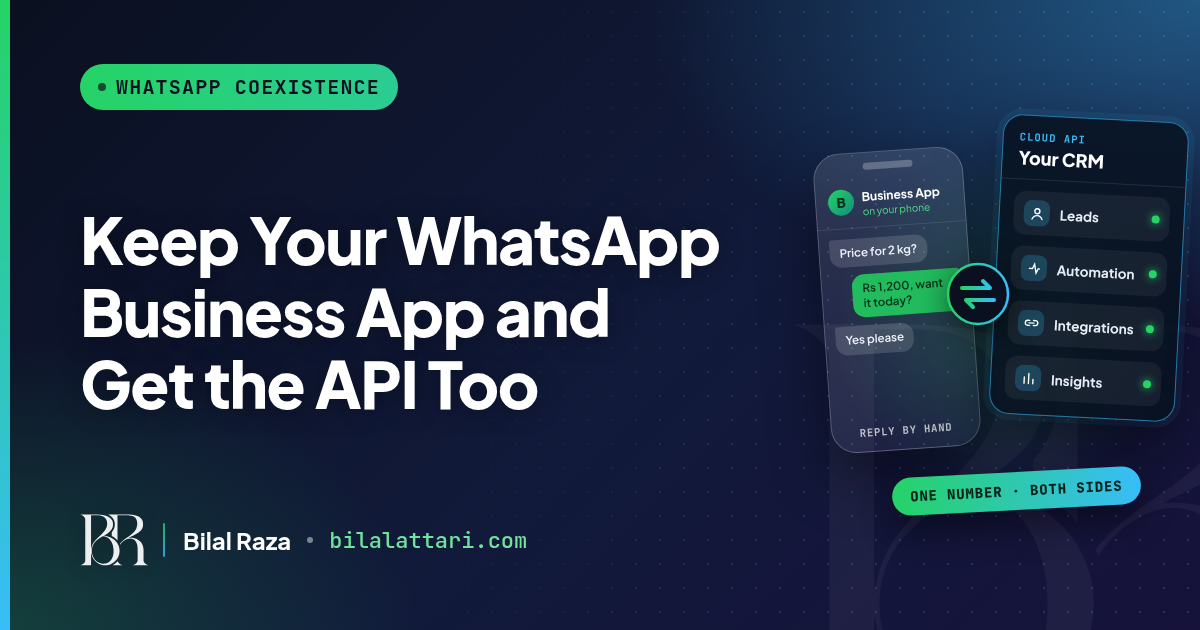
Your customers already know your WhatsApp number. Your team already replies from the WhatsApp Business app. But you want automation, a shared inbox and a CRM, and those need the WhatsApp Business API.
Until recently that meant moving your number off the app. Now it doesn't. With Coexistence in 12Bot, you can connect the WhatsApp Business App number you already use and keep replying from your phone while 12Bot handles the rest.
Why businesses outgrow the WhatsApp Business app
The app is free and simple, and for one person it works well. The trouble starts when the business grows.
- It links to at most four devices, so a growing team ends up sharing phones.
- It can't connect to your store, your website or your ad accounts.
- Leads live in chat bubbles, with no history, owner or follow-up date.
- You can't tell which ad or campaign brought in which customer.
What the API unlocks
Connect WhatsApp with your other platforms
On the API, every message reaches 12Bot as data. That lets WhatsApp work with your store, your forms and your flows instead of sitting alone on a phone.
A CRM built on your conversations
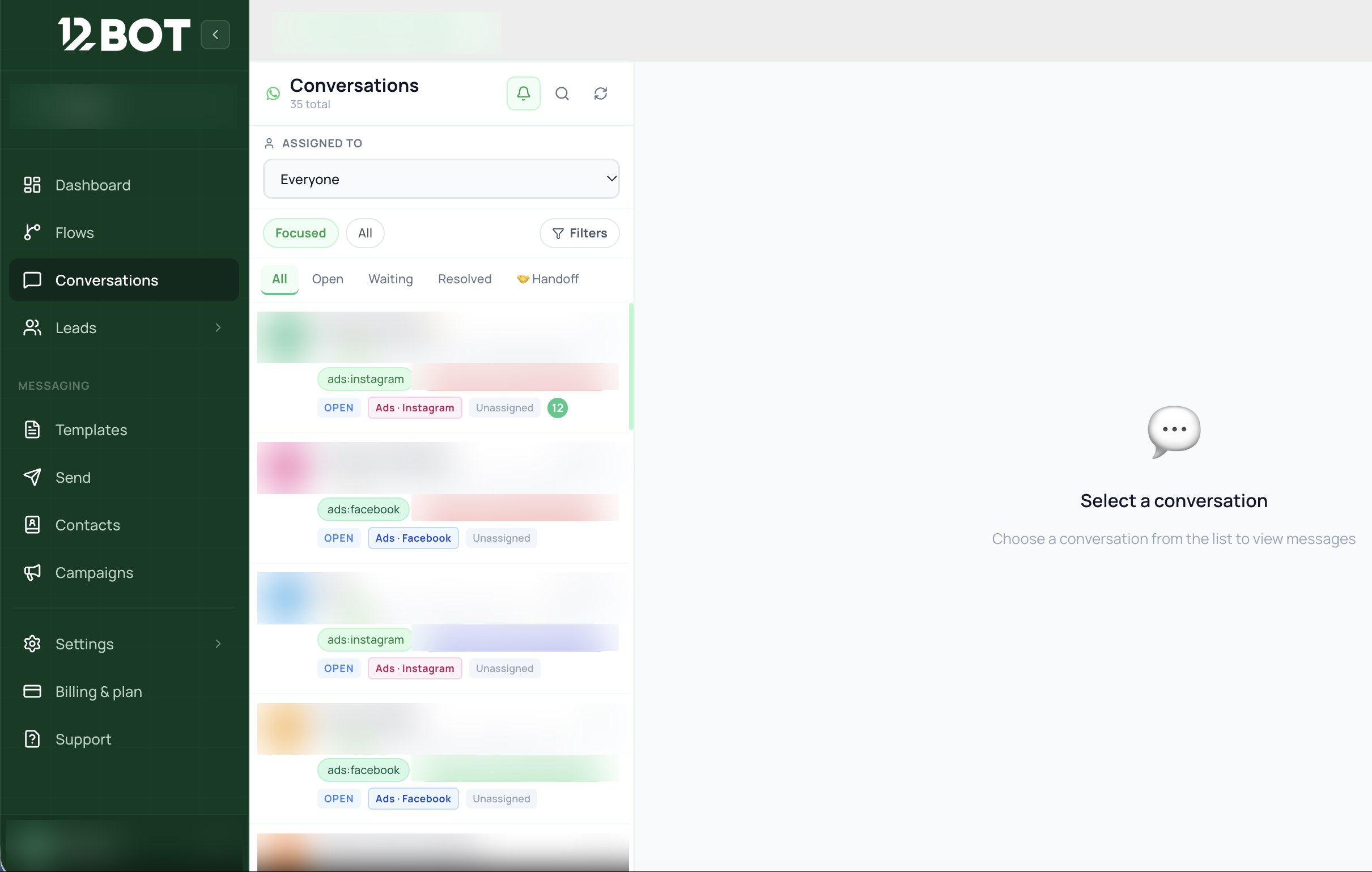
Every customer gets a record with their chat history, tags, lead source and follow-ups, and chats can be assigned to the right person.
See what your customers want
When a chat starts from a Click to WhatsApp ad, 12Bot tags it with the source, so you can see which ads bring real conversations and which products people ask about.
Two ways to connect WhatsApp in 12Bot
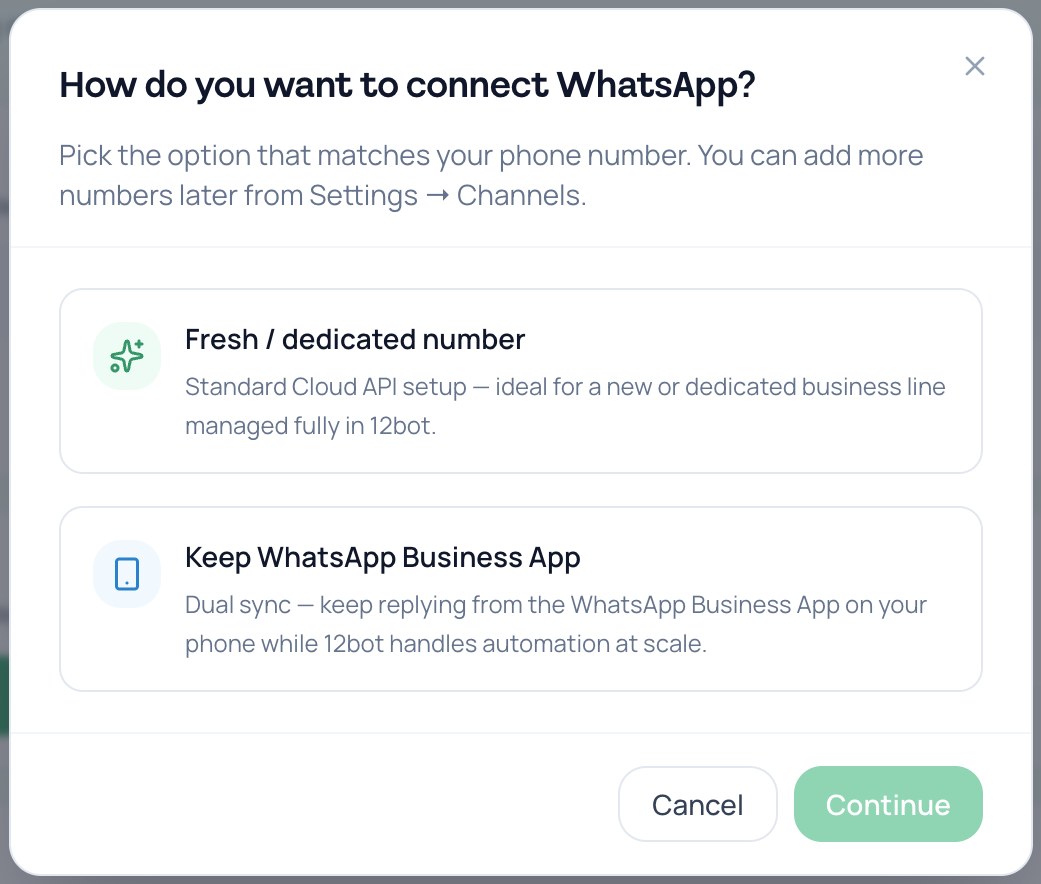
Fresh or dedicated number
The standard Cloud API setup. Best for a new or dedicated business line that your team runs fully inside 12Bot.
Keep WhatsApp Business App (Coexistence)
Dual sync. Keep replying from the WhatsApp Business App on your phone while 12Bot handles automation at scale. Meta mirrors one-to-one chats between the app and the API, and up to the last 6 months of chats can be synced.
What Coexistence changes on your phone
According to Meta's documentation, a few app features change once your number is also on the API:
| Feature | On the WhatsApp Business app | In 12Bot (API side) |
|---|---|---|
| 1:1 chats | Keep working, mirrored both ways | Last 6 months can be synced |
| Contacts | No change | Synced |
| Group chats | No change | Not synced |
| Broadcast lists | Disabled (existing lists become read-only) | Not supported, use templates and campaigns instead |
| Disappearing, view once, live location | Turned off in 1:1 chats | Not supported |
| Voice and video calls | No change | Not supported |
| Linked devices | Unlinked once, then you can re-link supported ones | Not applicable |
A few more things to know: you need WhatsApp Business app version 2.24.17 or higher, a shared number runs at a fixed 20 messages per second, and you should keep opening the app on your main phone, since Meta lists about 14 days of inactivity as a reason the connection can drop.
What it costs
Messages you send from the app stay free. Messages sent through the API follow Meta's per-message pricing. From October 1, 2026, the first 1,000 service messages per number each month are free, and after that Meta charges per message. For Pakistan, Meta's October 2026 rate card lists service and utility messages at $0.015 and marketing at $0.0473.
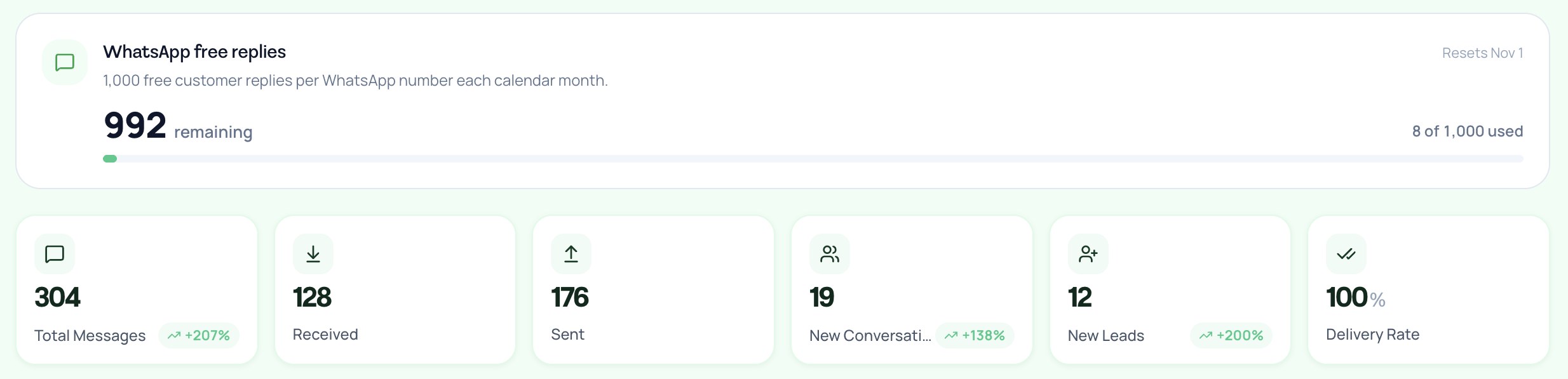
12Bot shows your remaining free replies right on the dashboard.
Which connection is right for you?
| Fresh / dedicated number | Keep WhatsApp Business App | |
|---|---|---|
| Your number | A new or dedicated line | The number customers already know |
| Replying from the phone app | No, everything runs in 12Bot | Yes, alongside 12Bot |
| Chat history | Starts fresh | Up to the last 6 months can be synced |
| Broadcast lists in the app | Not applicable | Disabled, use 12Bot campaigns |
| Best for | Teams that work fully in the inbox | Owners who want automation without giving up the app |
Connect your existing number to 12Bot
12Bot gives you a shared inbox for WhatsApp, Instagram and Facebook, CRM on every customer, campaigns, chat flows and AI replies with human handoff. There is a free plan, and paid plans come with a 7-day trial.
Try 12Bot free and connect the WhatsApp number your customers already use.