One WhatsApp Number, Whole Team: How a Shared Inbox Ends the Phone-Passing Chaos
Your team needs to answer one WhatsApp number. Here is what linked devices can and cannot do, and how a shared inbox with assignment and CRM fixes it.
Your customers know one WhatsApp number. Your team has three, five or ten people who need to answer it. And right now that probably means one phone moving between desks, missed follow-ups, and nobody sure who replied to whom.
This is one of the most common problems we hear from shops, clinics, real estate teams and online sellers. Here is why it happens, what WhatsApp itself offers, and how a shared inbox like 12Bot lets your whole team work from one number without the chaos.
Why you should keep one number
Customers save your number, share it, and tap it from your Facebook page or website. If every agent uses a different WhatsApp number, customers get confused, conversation history splits across phones, and your brand loses the simple message of "talk to us here." The goal is one business number with many hands on the replies.
The signs your team has outgrown one phone
- Nobody owns a chat, so follow-ups and quotes get missed.
- The phone goes home with one person and the business goes quiet.
- You cannot see who replied to what.
- If that phone is lost, stolen or reset, recovering the number and history is painful.
- The business number sits on a staff member's personal phone, and leaving staff means a fight over chat history.
If two or more of these sound familiar, passing the phone around is already costing you customers.
What WhatsApp linked devices can and cannot do
The WhatsApp Business app lets you keep a primary phone and link extra devices. According to WhatsApp's Help Center:
- You can link up to four devices at once, such as phones, tablets, WhatsApp Web and desktop apps.
- Linked devices disconnect if the primary phone is unused for more than 14 days.
- With an eligible Meta Verified or Meta One multi-agent subscription, the limit goes up to 10 devices, with device naming, chat assignment and visibility into which device or agent sent a message.
That works for an owner plus one or two staff with light volume. It gets harder as you grow:
- The device count is still capped.
- Assignment and reporting are limited compared with a proper inbox.
- Everyone shares the same app account instead of having separate agent logins.
- Companions drop quietly if the primary phone sits unused for two weeks.
Linked devices share access. They do not give you a CRM, roles or a clean handoff.
How a shared inbox solves it
A shared inbox puts your business number in one workspace. Agents log in on web or mobile, pick up chats, and work together without touching the shop phone. This is what we built 12Bot to do.
Every chat has an owner
Chats are assigned to agents, so "I thought you replied" stops happening. When a quote needs a follow-up, someone is responsible for it.
The customer record lives in the inbox
Contact info, conversation history, lead source, tags, orders and follow-ups stay on the customer record. When an agent is off, the next person can see the whole story instead of starting from zero.
Web and mobile access
Your team can reply from a laptop at the office or a phone on the move. The physical business phone is no longer the bottleneck.
WhatsApp, Instagram and Facebook together
Many businesses also get Instagram and Facebook DMs. 12Bot brings all three into one workspace, so agents are not juggling three apps.
Automation that hands off to people
Chat flows and AI replies can answer after hours or handle the first questions, then pass warm leads to a human sales agent.
Which setup fits your team?
| Your situation | Best fit |
|---|---|
| One person replies | WhatsApp Business app on one phone |
| 2 to 3 people, low volume | Linked devices may be enough |
| 3 or more people, shifts, or overlapping chats | Shared inbox |
| You take orders or track lead sources on WhatsApp | Shared inbox with CRM |
One more question to ask: do you care which ad, page or website click turned into an order? If yes, you need lead source and order history on the conversation, not a plain chat list on a phone.
A setup that stays sane
- Keep one customer-facing WhatsApp business number.
- Stop passing a single phone around.
- If you are still tiny, use linked devices and open the primary phone at least every two weeks.
- When the second or third person starts living in WhatsApp, move to a shared inbox with agent seats, assignment and CRM.
- Keep orders, tags and lead source on the customer record so sales never depends on who is holding the phone.
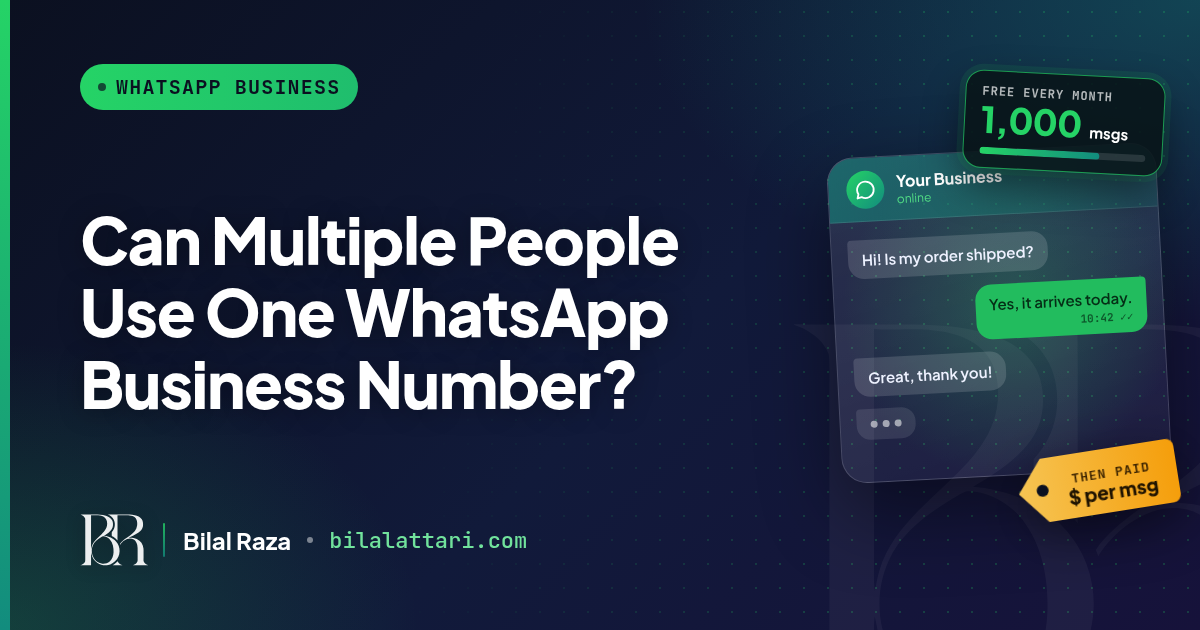
A note on cost: a shared inbox solves the team problem, but Meta's message fees are separate. From October 1, 2026, Meta charges for service messages after 1,000 free per number each month.
Give your team one inbox with 12Bot
12Bot gives your team one workspace for WhatsApp, Instagram and Facebook, with team seats, chat assignment, CRM on every customer, campaigns, chat flows and AI replies with human handoff. There is a free plan, paid plans come with a 7-day trial, and team seats grow with your plan.
Start with 12Bot free and let your whole team answer from one number.